Choosing a Samsung TV wall mount is a transformative step in designing a modern home. In Singapore’s compact living spaces, wall mounting lifts a screen and creates a dynamic new focal point, frees up floor area, and unlocks the full visual impact of Samsung’s sleek designs. However, achieving that perfect, floating look involves careful planning. You must consider unique Samsung features, select a compatible Samsung wall mount bracket, and ensure your project complies with HDB rules and your wall’s structure. Whether you are setting up a Samsung 40-inch TV for a bedroom or a stunning 75-inch Neo QLED for the living room, this guide provides the roadmap for a secure installation.

Unlocking the Benefits of a Wall-Mounted Samsung TV
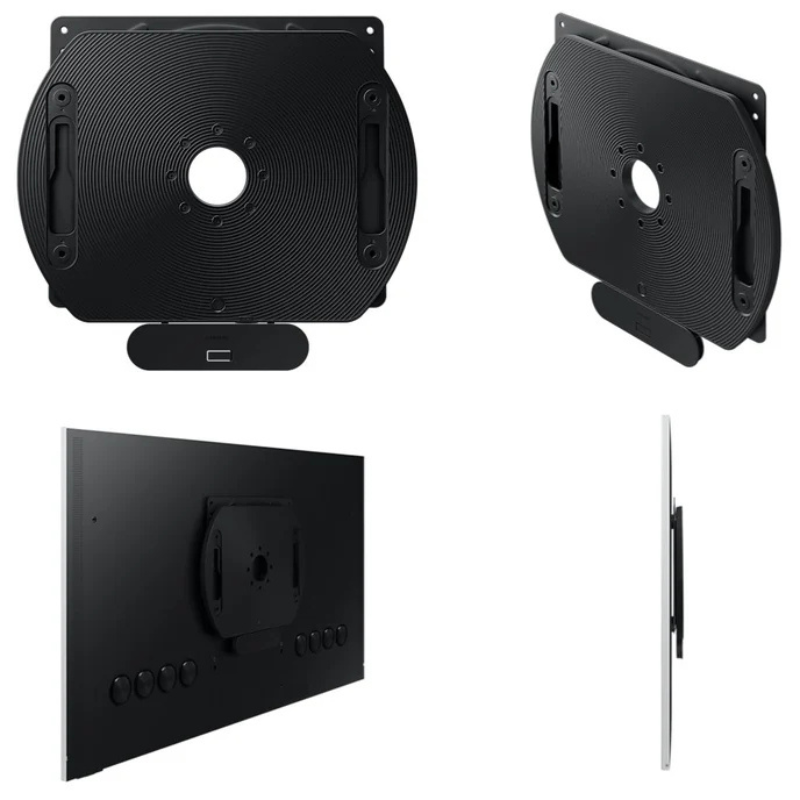
A Samsung TV wall mount installation brings many advantages that improve both your room’s function and your viewing experience. The most obvious benefit is the reclamation of space; removing the TV stand clears precious square footage, allowing for a cleaner, more spacious feel in any HDB room. This shift also offers superior viewing ergonomics. You can position the screen at the ideal height to match your eye level from the sofa, reducing neck strain. For Samsung’s lifestyle TVs like The Frame, a specific Samsung no gap wall mount allows the screen to sit almost flush with the wall, creating the illusion of a framed piece of art. This attention to detail transforms the television from an appliance into an integrated part of your home’s decor, enhancing both aesthetics and daily comfort.
Navigating HDB Regulations for a Safe Installation
Before any drilling begins, a clear understanding of Housing & Development Board (HDB) guidelines is a crucial first step for any homeowner. These rules are in place to protect the building’s structural integrity and maintain peace within the community. According to official HDB documents, homeowners bear full responsibility for all renovation works in their unit.
A key rule explicitly prohibits “drilling of holes through beams, columns, and other structural members.” Accidentally hitting a reinforced concrete beam can compromise safety and lead to significant repair costs. HDB also enforces specific “permitted hours” for noisy work. Drilling is generally restricted to weekdays between 9:00 am and 5:00 pm and is not allowed on Saturdays, Sundays, or public holidays. For HDB flats with modern Ferrolite Partition Walls, even stricter limits apply. Fasteners must not exceed 40mm in penetration depth, and the load per bolt is limited. These constraints make professional assessment essential, especially for heavier TVs, to ensure a safe and fully compliant installation.
Choosing the Right Wall Mount for Your Samsung Television
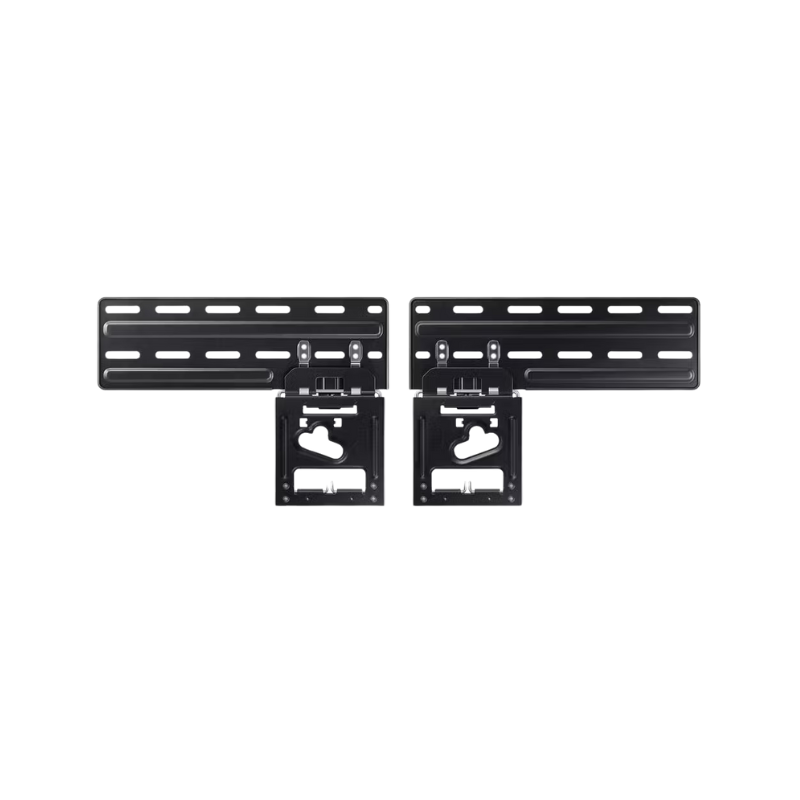
Selecting the correct bracket is the most critical technical decision. Your choice must align with your specific Samsung model, its size and weight, and the viewing flexibility you desire. You can find the exact Samsung TV wall mount screws and VESA pattern (the standard mounting hole spacing) in your TV’s user manual. Many newer Samsung models, such as the QLED series, work perfectly with the official Samsung slim fit wall mount or the Samsung no gap wall mount. However, universal brackets also work if they match the specifications.
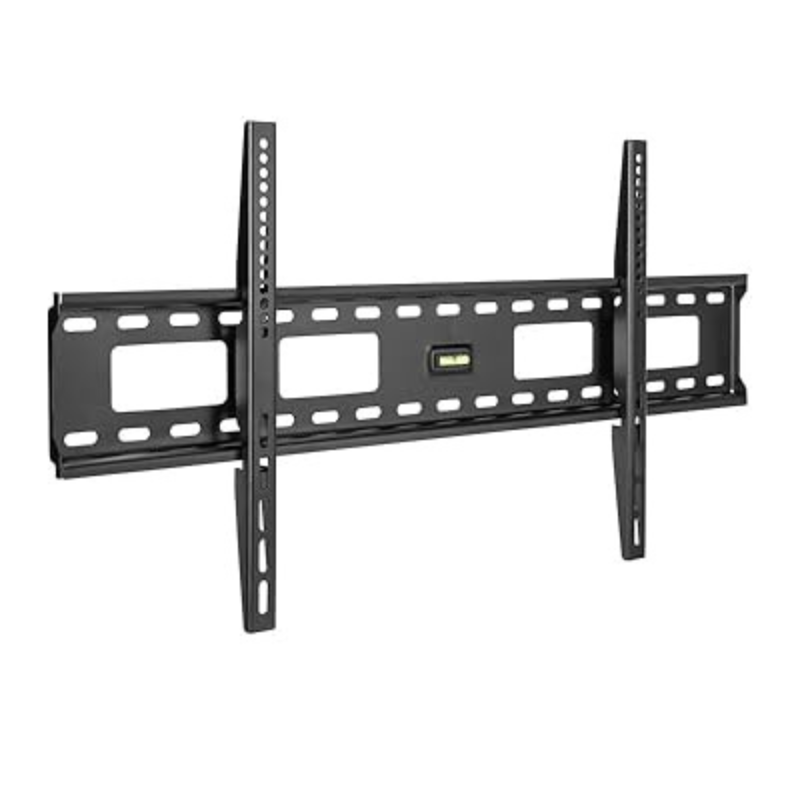
Fixed or Low-Profile Mounts hold the TV close against the wall. This option provides the cleanest look, ideal for making a television like The Frame look like art. It is a popular, stable choice for a wall mount for Samsung TV 32 inch in a bedroom.
Tilting Mounts allow you to angle the TV vertically. This function is practical for installations above eye level, as it lets you tilt the screen downward for a better view and to reduce overhead light glare on the screen. It is a common solution for a Samsung TV wall mount 55 inch in many living rooms.
Full-Motion or Articulating Mounts offer the greatest flexibility. They allow the TV to swivel, tilt, and extend from the wall. These are excellent for open-plan areas or corners where you need to adjust the viewing angle. For large, heavy models, a wall mount bracket for Samsung 65 inch TV of this type must be heavy-duty to support the weight safely. You may also need Samsung TV wall mount spacers to ensure proper clearance for ports and ventilation.
Summary of Samsung TV Wall Mount Types for Singapore Homes
| Mount Type | Best For Samsung TV Models/Series | Key Features & Considerations | Ideal Use Cases in HDB Flats |
|---|---|---|---|
| Fixed/No-Gap Mount | The Frame, Lifestyle TVs, standard UHD models (e.g., Samsung NU7100 wall mount) | Flush, art-like installation; may require official Samsung bracket for perfect fit. | Living rooms, bedrooms, or hallways where a clean, built-in aesthetic is the priority. |
| Tilting Mount | Mid to large QLED/UHD TVs (e.g., Samsung Q70 wall mount) | Adjustable vertical tilt to manage glare and viewing angle. | Living rooms where the TV is mounted at or above seated eye level. |
| Full-Motion Mount | Large screen & Curved models (e.g., Samsung 65 curved TV wall mount) | Swivels, tilts, and extends; essential for curved screens to maintain viewing angle. | Open-plan living/dining areas, corners, or rooms requiring flexible viewing from multiple spots. |
| Specialty Mounts | High-end setups (e.g., Samsung motorized TV wall mount) | Motorized movement for a high-tech look; requires professional electrical wiring. | Dedicated home theatre rooms or luxury installations where convenience and style are key. |
A Professional’s Guide to Mounting Your Samsung TV
A correct Samsung TV wall mount installation requires meticulous attention to detail. Following a precise, safety-first approach is the key to success. Here is a professional, step-by-step method:
| Step | Details |
|---|---|
| Step 1: Plan the Location and Locate Studs | Decide on the optimal viewing height, ideally with the screen’s centre at seated eye level. Use a high-quality electronic stud finder to locate the solid wooden or metal studs in your wall. Mark their exact edges. Never mount a TV by anchoring only into plaster or drywall. |
| Step 2: Prepare the TV and Mounting Arms | Lay the TV face-down on a soft, protected surface. Attach the mounting arms to the back of the TV using the exact Samsung TV wall mount screws specified in the manual. For curved TVs or certain models, you may need to attach Samsung wall mount adapter plates or use the provided Samsung curved TV wall mount spacers. |
| Step 3: Install the Wall Plate | Hold the wall plate against the wall, ensuring it aligns with the centre of the studs and is perfectly level. Mark the drilling points. Drill pilot holes and secure the wall plate to the studs using heavy-duty lag bolts or the appropriate anchors for your wall type (concrete requires different anchors than wood studs). |
| Step 4: Hang the Television | With the help of at least one other person, carefully lift the TV and hook the mounting arms onto the secured wall plate. Listen for a firm click or engage any provided safety locks to secure the connection. |
| Step 5: Final Adjustments and Cable Management | Make final adjustments to the tilt or angle of the TV. Neatly route all power, HDMI, and other cables using adhesive-backed clips, a cable management sleeve, or an in-wall conduit kit. This final step is crucial for both safety and achieving a clean, professional appearance. |
Need help mounting your Samsung TV? FixFirst’s certified handymen provide safe, professional installation across all HDB flat types. We handle everything from stud detection and hardware selection to curved TV alignment and cable concealment. Whether it’s a sleek Frame TV or a large curved display, we ensure your TV is secure, level, and ready to enjoy—without the risk of DIY damage or instability.


Why Choose a FixFirst Handyman for Your Samsung TV Wall Mount Service
✔️ Expert Knowledge of HDB Construction & Rules: Our technicians understand HDB building materials, from concrete beams to Ferrolite partitions. We identify safe mounting locations, avoid prohibited zones, and ensure all work respects the permitted hours, keeping your project fully compliant.
✔️ Precision Installation with the Right Tools: We arrive with professional-grade equipment, including levels, torque-controlled drills, and a comprehensive set of hardware. We ensure your specific Samsung TV wall mount bracket is installed perfectly level and anchored with the correct, heavy-duty fixings for your wall type.
✔️ Handling of Specialised Samsung Hardware: We have experience with official Samsung accessories like the Samsung no gap wall mount and Samsung wall mount adapter kits. We know the procedures for how to remove Samsung no gap wall mount and can manage the unique requirements of curved screens or motorized brackets.
✔️ Safety and Damage Prevention: We prioritize the safety of your home. Our methods prevent damage to walls, hidden wiring, and your valuable TV. We ensure the mount and anchors have a considerable safety margin over your TV’s weight for long-term security.
✔️ Guaranteed Neatness and Efficiency: Our service includes expert cable concealment for a tidy finish. We complete the job correctly and efficiently in one visit, saving you time and giving you the peace of mind that comes with a professional installation.

Frequently Asked Questions on Samsung TV Wall Mounting
For a standard installation, a high-quality universal Samsung wall mount bracket that matches your TV’s VESA pattern and weight rating will work securely. However, for specific models like The Frame or to achieve the ultra-flush “no-gap” look with certain QLED TVs, the official Samsung no gap wall mount is strongly recommended and often required to achieve the advertised aesthetic. When you buy Samsung TV wall mount accessories, compare the Samsung TV wall mount price of official versus third-party options.
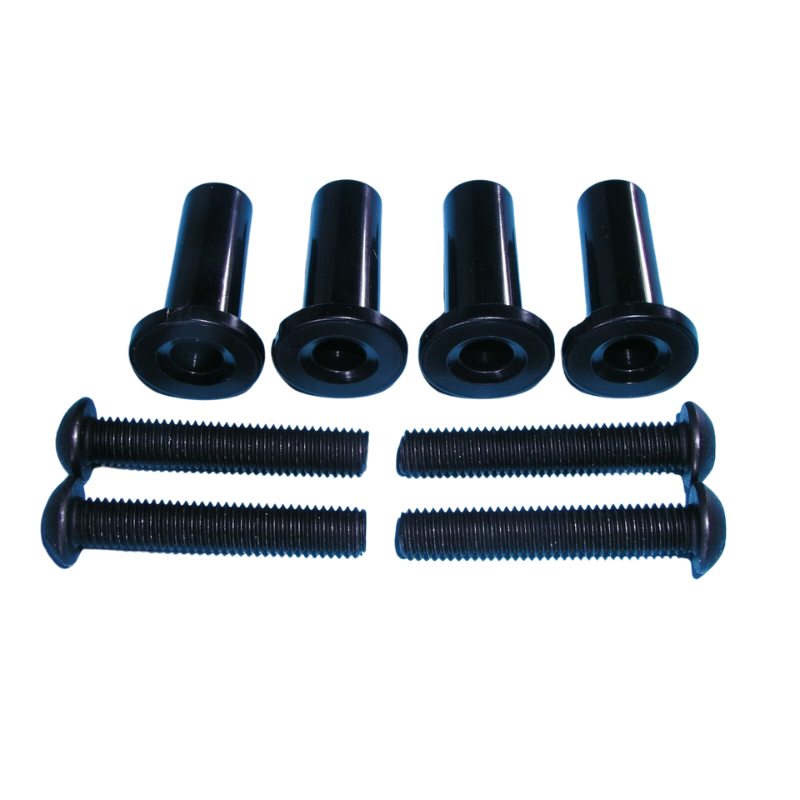
The exact screw specifications (diameter, length, and thread type) are listed in your Samsung TV’s user manual. Using the wrong screws can damage the internal chassis. Most universal brackets include an assortment of screws, but you must verify the correct size. For example, a Samsung 32 inch TV wall mount screws may be M4 or M6, while the Samsung 75 inch TV wall mount screw size will be larger and longer, such as M8.
Mounting on a Ferrolite or drywall partition requires extra care. You must locate the vertical metal studs and anchor the bracket directly into them. HDB rules limit bolt penetration to 40mm for partition walls, so you may need specific low-profile anchors. For any TV over 50 inches, professional installation is highly advised to distribute the weight correctly and avoid overloading a single stud.
While possible, it is not ideal. Curved TVs have a different centre of gravity. A Samsung curved TV wall mount is often a full-motion bracket designed to accommodate the curve and allow you to swivel the screen to maintain the optimal viewing sweet spot from different angles. Using a standard fixed mount can limit your ability to enjoy the curved screen’s intended effect.
An adapter is a small metal plate or set of spacers that helps a universal wall mount bracket connect to a Samsung TV with a non-standard VESA pattern or recessed ports. It ensures a secure fit and proper clearance. You typically need one if the holes on your TV do not align with the bracket’s arms or if the bracket sits too close to the TV and blocks the HDMI ports.
Official Samsung wall mounts and stands are available at Samsung Experience Stores, authorised retailers like Harvey Norman and Courts, and the Samsung online store. A wide selection of compatible universal brackets can also be found at DIY stores like HomeFix, electronics hubs like Sim Lim Square, and online marketplaces such as Lazada and Shopee. Always check VESA and weight compatibility before purchasing.
Mounting your Samsung television on the wall is an excellent way to enhance your living space and enjoy a premium viewing experience. The journey from unboxing to a breathtaking display, however, requires careful planning, the right hardware, and a respect for your HDB’s construction rules. Whether you are installing a simple Samsung 40 inch TV wall mount or configuring a sophisticated motorized setup for a flagship Neo QLED, professional expertise ensures the job is done safely, cleanly, and to the highest standard. It protects your investment and delivers the immersive result you expect from a Samsung display.
Contact FixFirst today to schedule an installation with our experienced handymen. We provide expert, fully compliant Samsung TV wall mount installation across Singapore, handling everything from bracket advice to perfect cable management. Let us manage the heavy lifting and complex details, so you can sit back and enjoy your stunning new home entertainment centre.