Creating a dedicated, ergonomic workspace is a smart solution for Singapore’s compact homes. A wall mount laptop desk or wall mount laptop arm can transform any underused corner into a productive area, freeing up precious floor space in your HDB flat or condo. This guide explores everything from selecting the right hardware to navigating strict local renovation rules, ensuring your installation is both functional and compliant.
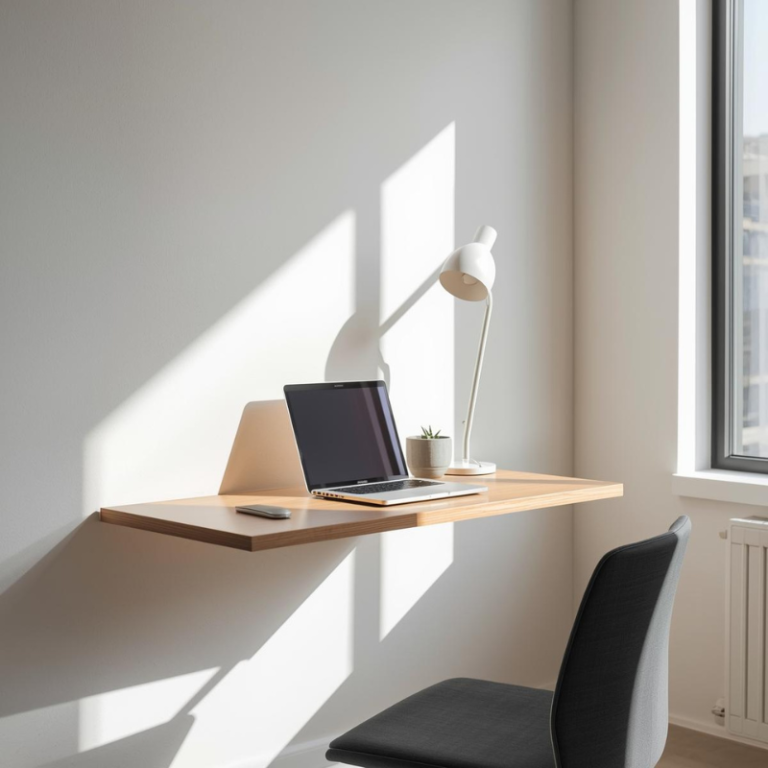
Understanding Wall-Mounted Laptop Solutions for Singaporean Homes
The shift towards remote work and digital lifestyles demands clever spatial solutions. Fixed wall-mounted desks, adjustable arms, and fold-down trays offer distinct advantages, each suited to different needs and room layouts. Choosing the correct type is the first step toward a comfortable and space-efficient workstation.
The Space-Saving Advantage of Wall-Mounted Furniture
In Singapore’s residential interiors, where square footage is a premium, vertical space is an often-underused asset. Mounting your workstation on the wall eliminates the footprint of traditional desk legs. This creates a cleaner, more open floor plan, making rooms feel larger and less cluttered. A foldable wall mounted laptop table is particularly effective, as it can disappear entirely when not in use, perfect for multi-functional living and dining areas. This approach not only saves space but also introduces a modern, streamlined aesthetic to your home.
Types of Wall-Mounted Laptop Setups
There are three primary categories, each with unique benefits:
- Fixed Wall-Mounted Desks: These provide a permanent, sturdy shelf-like surface. Ideal for a dedicated home office corner, they offer a solid foundation for sustained work.
- Adjustable Laptop Arms: A wall mount laptop arm offers unparalleled flexibility. It allows you to position your laptop screen at the perfect eye level and distance, then swing it safely out of the way. This is a superb choice for those who value ergonomic precision.
- Fold-Down Trays and Tables: The ultimate space-savers, these units fold flat against the wall. A wall mount laptop tray provides a quick, temporary surface that can be deployed in seconds in the bedroom or living room and stored just as easily.
Navigating HDB and Condo Regulations for Drilling and Mounting
Before purchasing any hardware, understanding Singapore’s building regulations is non-negotiable. HDB has specific rules to protect the integrity of its buildings and the safety of all residents.
Key HDB Drilling and Mounting Guidelines
The HDB renovation guidelines are clear and must be followed to avoid structural damage, fines, or the need for costly reinstatement. Two critical rules govern drilling for fixtures like a laptop wall mount:
- Fastener Specifications: For all types of flats, all fasteners (screws, nails, bolts) used for mechanical mountings must not exceed 6mm in diameter and 40mm in penetration depth. This limits the size of wall plugs and anchors you can use.
- Ferrolite Partition Walls: Many newer HDB flats feature these prefabricated walls. They have specific load limits (max 50kg per bolt) and require extreme care. The guidelines state: “It is important not to drill holes within 200mm vertically below ceilings or beams” and “drill penetration depth must be limited to about 22mm” to avoid internal steel plates and the sound insulation core.
General Renovation Compliance
Beyond drilling, the renovation guidelines set clear boundaries for work conduct:
- Permit Requirements: While installing a single fixture typically doesn’t require a permit, any renovation works must still comply with HDB’s guidelines. Major alterations always need prior approval.
- Noisy Work Hours: Drilling is classified as noisy renovation. It is restricted to 9:00 am to 5:00 pm on weekdays only. It is not allowed on Saturdays, Sundays, or Public Holidays. This makes professional timing crucial.
Contractor Engagement: For any permit-required work, you must engage an HDB Registered Renovation Contractor. A professional handyman service like FixFirst is well-versed in these protocols, ensuring full compliance.
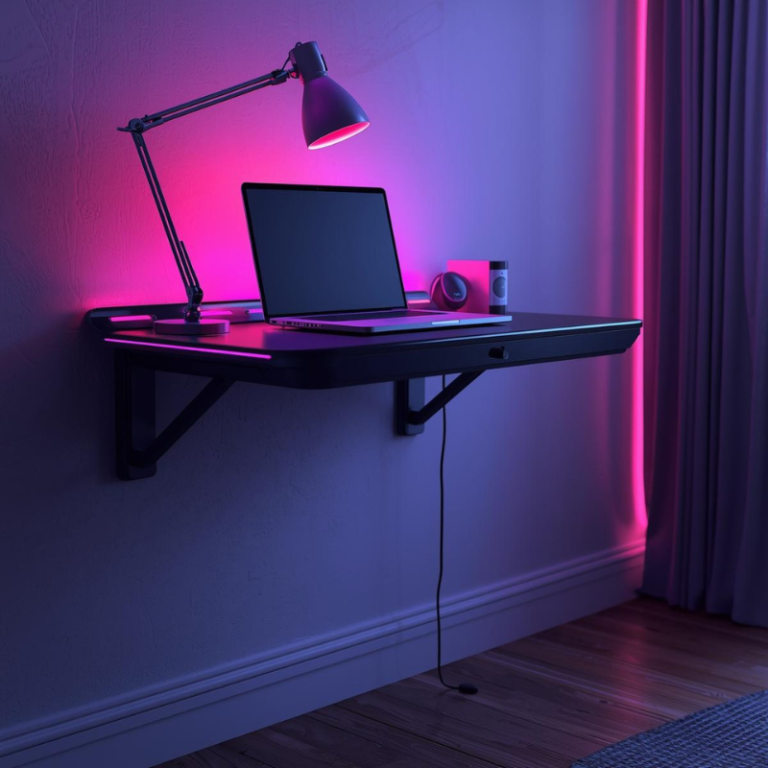
Step-by-Step Guide to Installing Your Wall-Mounted Laptop Desk
A successful installation hinges on careful planning and precise execution. Follow these steps to ensure your adjustable laptop stand wall mount or fixed desk is secure and level.
| Step | Details |
|---|---|
| Step 1: Select the Perfect Location | Consider ergonomics, power source proximity, lighting, and the wall’s construction. Avoid areas near electrical outlets where concealed wiring might run. Ensure there’s comfortable space for your chair and movement. |
| Step 2: Identify Your Wall Type and Find Studs | This is the most critical step. Use a stud finder to locate the solid wooden or metal studs behind the plasterboard. Mounting directly into a stud provides the strongest hold. For partition walls without studs, you must use specialized hollow-wall anchors that comply with HDB’s 40mm depth rule. |
| Step 3: Assemble the Bracket and Mark Drill Points | Assemble the mounting bracket according to the manufacturer’s instructions. Hold it firmly in place on the wall and use a spirit level to ensure it is perfectly horizontal. Then, mark the drilling points through the bracket’s holes onto the wall with a pencil. |
| Step 4: Drill Pilot Holes with Precision | Using a drill bit slightly smaller than your wall plug’s diameter, drill straight into the marked points. Strictly adhere to the maximum 40mm penetration depth. If you hit a stud, you can use a shorter screw. For hollow walls, insert the appropriate wall anchor. |
| Step 5: Secure the Bracket and Attach the Desk/Arm | Align the bracket with the pilot holes and use a screwdriver or drill to secure it firmly to the wall. Do not overtighten. Once the bracket is stable, attach the desktop surface, arm mechanism, or foldable wall mounted laptop table according to the product manual. |
| Step 6: Final Safety and Function Check | Apply gentle downward pressure to test stability. If using an arm or tray, test all adjustment points, locks, and folding mechanisms to ensure smooth and safe operation. |
Need help installing a wall-mounted desk or laptop table in your HDB flat? FixFirst’s certified handymen specialize in secure, rule-compliant installations on both concrete and partition walls. We ensure perfect leveling, proper anchoring, and full functionality—so your workspace is safe, sturdy, and ready for daily use. Let us handle the job right the first time.
Summary Table: Key Considerations for Your Installation
Lorem ipsum dolor sit amet, consectetur adipiscing elit. Ut elit tellus, luctus nec ullamcorper mattis, pulvinar dapibus leo.
Why Choose a FixFirst Handyman To Install Your Wall-Mounted Laptop Desk, Arm, or Tray
While a DIY project can be tempting, a professional installation guarantees safety, compliance, and a flawless finish. Here’s why partnering with FixFirst is the wise choice for your Singapore home:
✔️ Expertise in Local Building Compliance: Our technicians are thoroughly familiar with HDB’s 6mm/40mm drilling rules, Ferrolite partition wall protocols, and permissible work hours. We ensure your installation meets all regulatory requirements, protecting you from potential liability.
✔️ Right Tools and Materials for Every Wall: We correctly identify your wall type—brick, concrete, or partition—and use the correct, compliant anchors and fasteners. This ensures your laptop wall mount can safely handle the intended load without damaging your walls.
✔️ Perfect Leveling and Secure Mounting: A wobbly or slanted desk ruins ergonomics and safety. We ensure a perfectly level, rock-solid installation every time, whether it’s a simple shelf or a complex wall mount laptop arm.
✔️ Time and Hassle Saved: We handle the entire process, from planning to cleanup, in a single, efficient visit. You avoid the cost of purchasing specialized tools, the frustration of errors, and the stress of navigating complex guidelines.
✔️ Integrated Service Support: If your installation requires nearby electrical work for lighting or power access, FixFirst’s licensed electricians can manage the entire project seamlessly.

Essential FAQs for Wall-Mounted Laptop Desks in Singapore
Typically, no. Installing a single fixture like a wall mount laptop tray or desk bracket does not require a formal renovation permit. However, the work must still fully comply with all HDB renovation guidelines concerning drilling and contractor engagement.
This depends entirely on your wall type and the hardware used. Mounted into a solid stud, it can hold significant weight. For HDB’s Ferrolite partitions, the guideline limit is 50kg per bolt. Always check your specific hardware’s rating and distribute weight evenly.
It is not recommended. Most glass walls are not designed to bear concentrated loads from fixtures. Drilling into structural glass requires specialist knowledge and risks cracking. Always choose a solid, load-bearing wall.
Use adhesive-backed cable clips or raceways to run charging cables neatly along the wall or desk arm down to the power outlet. For a built-in look, a professional can install a surface-mounted PVC conduit.
The top of your laptop screen should be at or slightly below eye level. When seated with your arms at a 90-degree angle, the desk surface should be at or just below elbow height. An adjustable laptop stand wall mount makes achieving this perfect posture easy.
While possible, you must still check your condo management’s house rules regarding renovation, drilling, and contractor access. The principles of finding studs and using proper anchors remain the same. For peace of mind and a guaranteed secure fit, a professional service is often the best value.
Transforming a section of your HDB or condo wall into an efficient laptop station is a brilliant way to enhance your living space. From the space-freeing magic of a foldable wall mounted laptop table to the ergonomic precision of a wall mount laptop arm, the right solution can elevate your comfort and productivity. While the process requires attention to detail, especially regarding Singapore’s specific housing regulations, the result is a lasting and valuable home upgrade.
Reclaim your floor space and build a stable, compliant workstation. Contact FixFirst today for an installation. Our experienced handymen will ensure your new wall mount laptop desk is installed safely, correctly, and perfectly level, giving you a flawless workspace without the DIY stress.